Emails & Monitoring
Overview
The Emails section allows you to manage the addresses monitored by MyTwin.
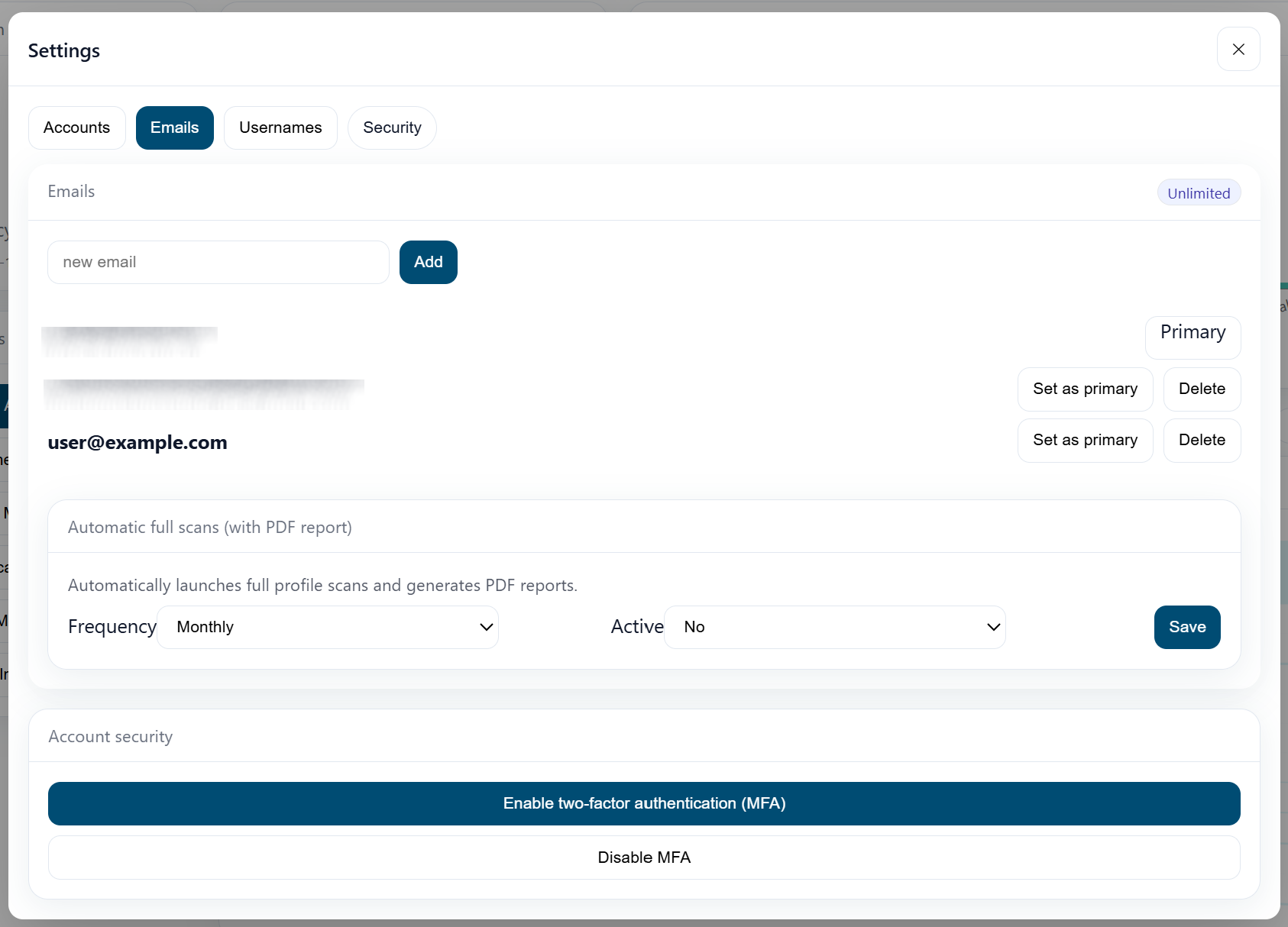
You can:
- add or remove addresses,
- launch targeted scans,
- view leaks and signals associated with each email.
Adding an Email Address
- Click on "Add an email".
- Enter the address to monitor.
- Validate and launch a scan if necessary.
Automatic Scans
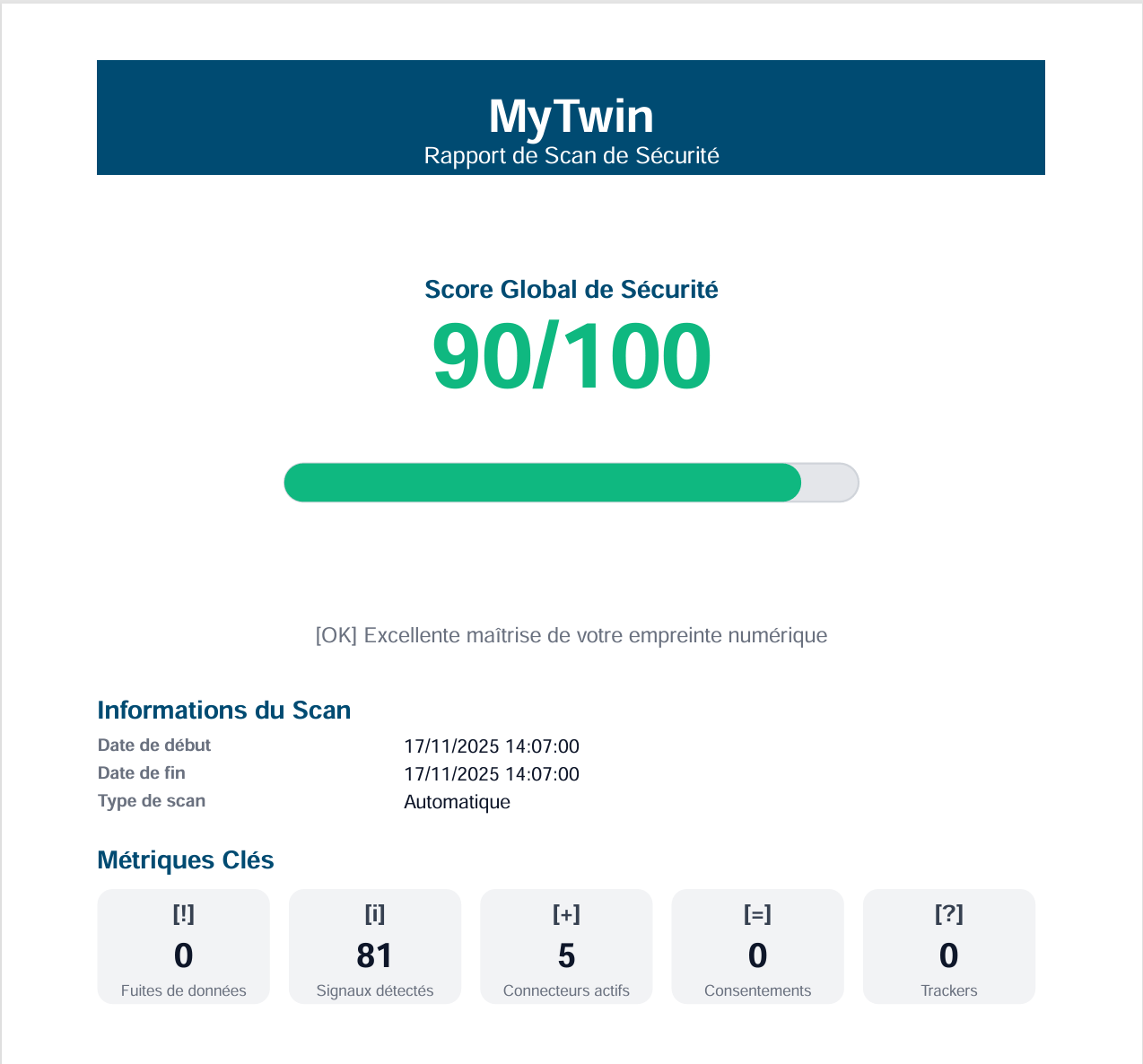
This is where you define, according to your plan/subscription, the frequency of automatic scans that you want MyTwin to perform for you. You will receive, according to the frequency, a complete report of the results in your mailbox.
Best Practices
- Start with your main personal and professional addresses.
- Avoid adding addresses you no longer use or no longer control.